
Pick the quality.
Choose Express, Classic or Premium at the top of the Pranos AI chat.
- ExpressAbout 12 s · no painted picture unless you ask
- ClassicAbout 17 s · painted picture (the default)
- PremiumAbout 30 s · the most detailed picture
Now on iPhone and Android
Make a sign, send your photos and videos, or ask Pranos AI to design one. Then play it on your HoloGlass.

On the App Store for iPhone with iOS 17 or later, and on Google Play for Android 7.0 or later. Included with every kit.
Pranos AI
Say or type the sign you want, and Pranos AI designs it. Ask for your QR code or any change, in your own words.
Typedminimal luxury sign for my boutique Maison Lune

Here’s your sign for Maison Lune.
By voiceAdd my Instagram as a QR code.
Done. The code links to the Instagram in My details.
Choose Express, Classic or Premium at the top of the Pranos AI chat.
It’s off until you turn it on. Then each new sign plays on your window as soon as it’s ready, while the app is set to Parked. In Driving, the sign waits on its card: switch to Parked, then tap Play on HoloGlass.
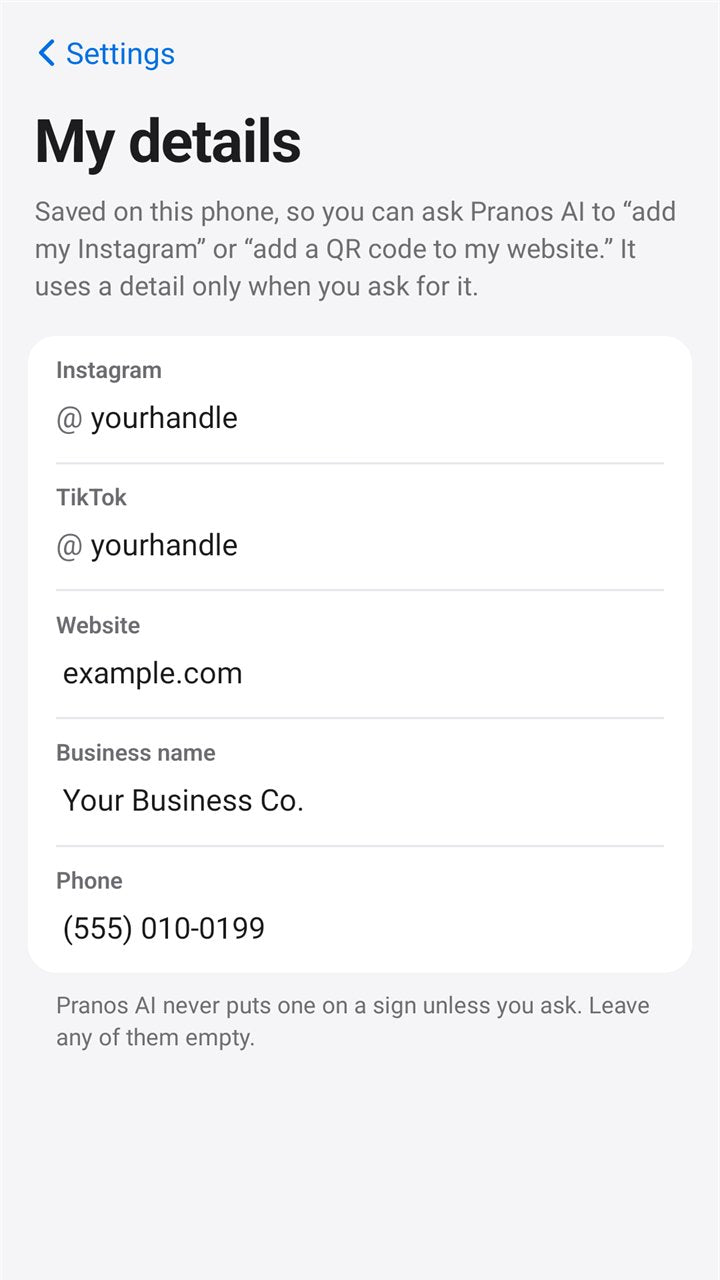
Save your links once in My details. Ask for a QR code, and Pranos AI points it to the link you saved, or to one you type in the chat.
My details ›Then ask for changes, by voice or text:
Pranos AI needs an internet connection, and times depend on it. It comes with every kit, with a free monthly allowance.
Your QR code
Your QR code takes people from the street to you. They see your window, scan the code and land on your website, socials, menu or booking page.
Your sign, with your QR code on it.
With their phone’s camera.
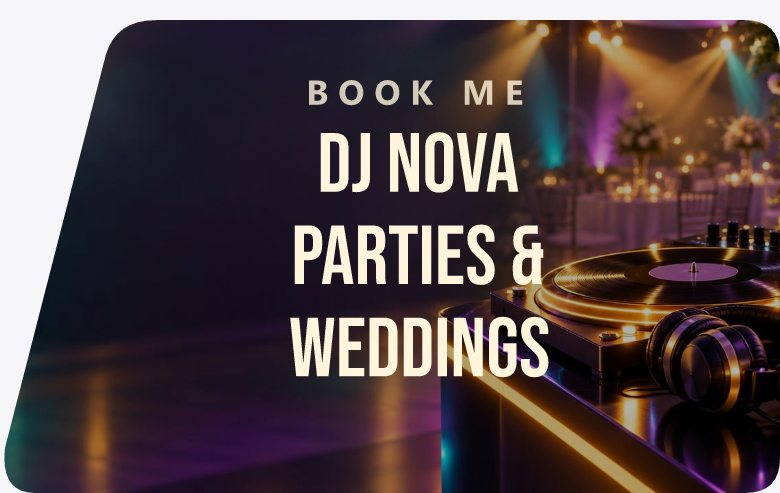
Creators
Your handle and a QR code on your window, so people who stop to look can follow you.
Earn with Pranos ›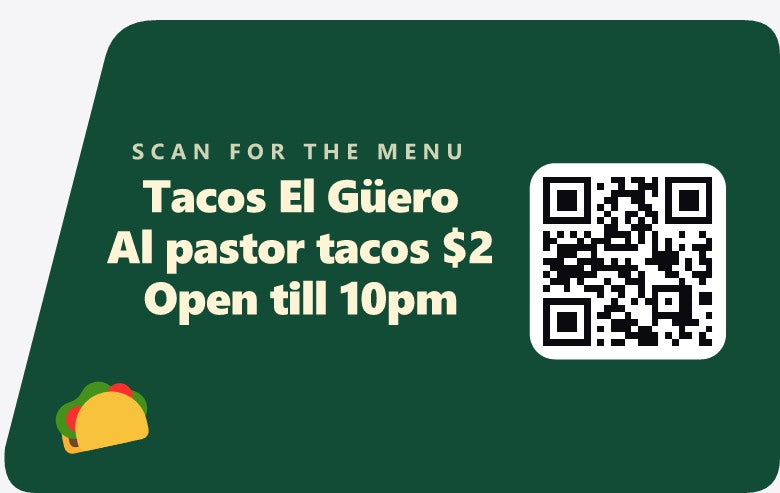
Business
Point the code to your menu, your booking page or today’s open house.
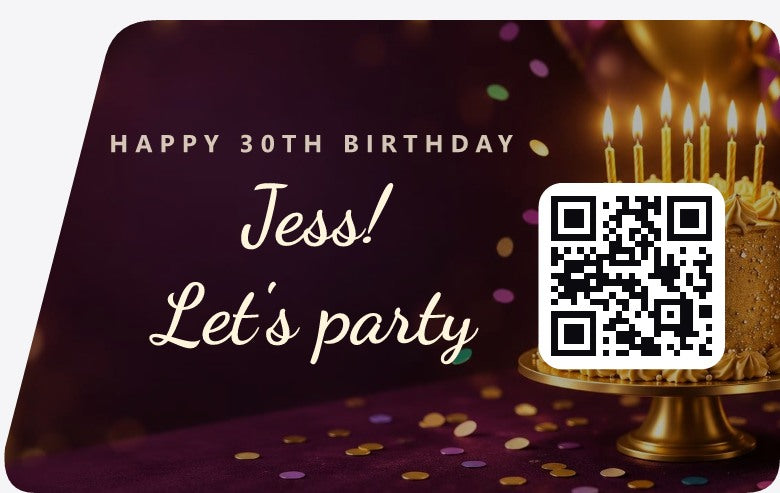
Celebrations
Point the code to your party album or a message page.
The taco and birthday signs are Pranos AI designs with a QR code added. Names are made up.
Build the sign yourself, or ask Pranos AI. Either way, the code is made on your phone. In the sign maker you type the link; Pranos AI uses the one you saved in My details.
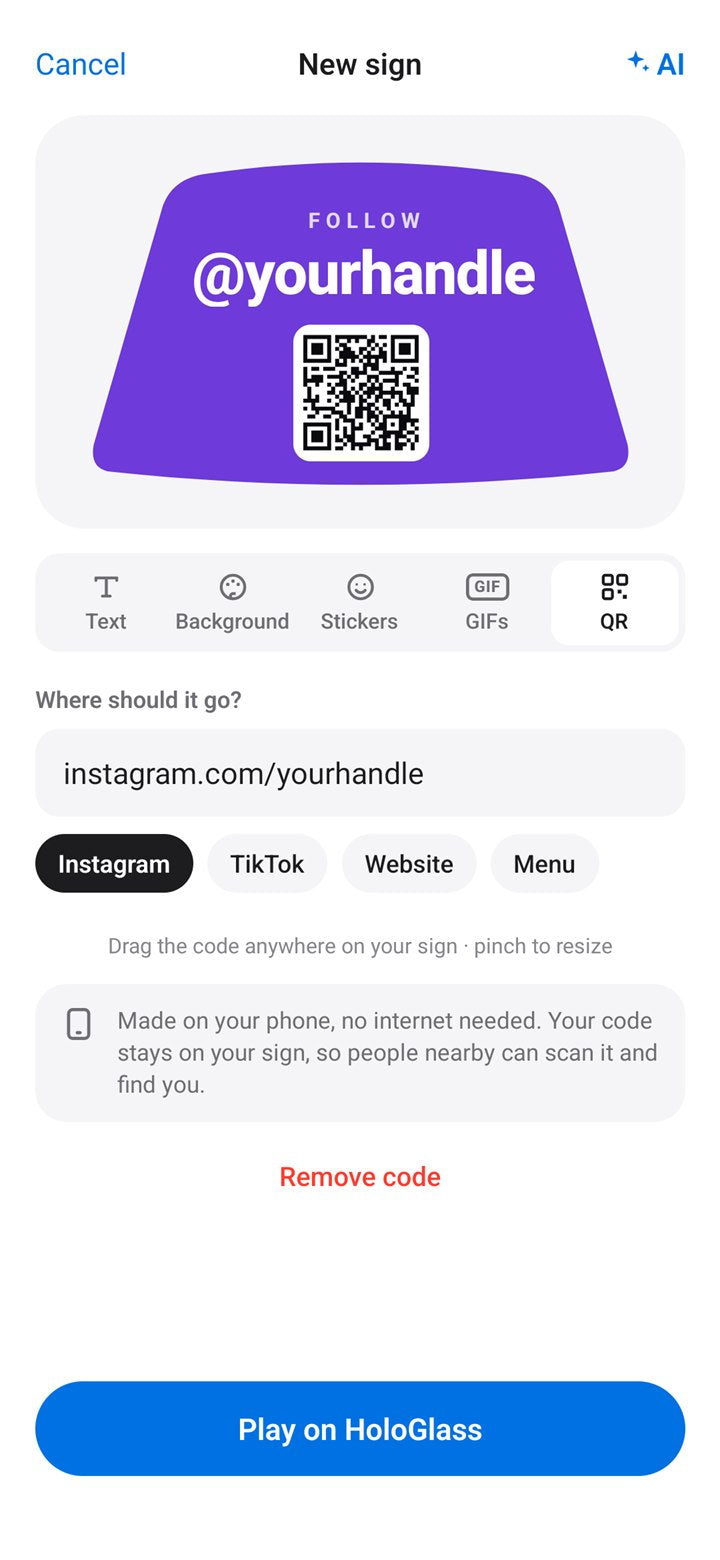
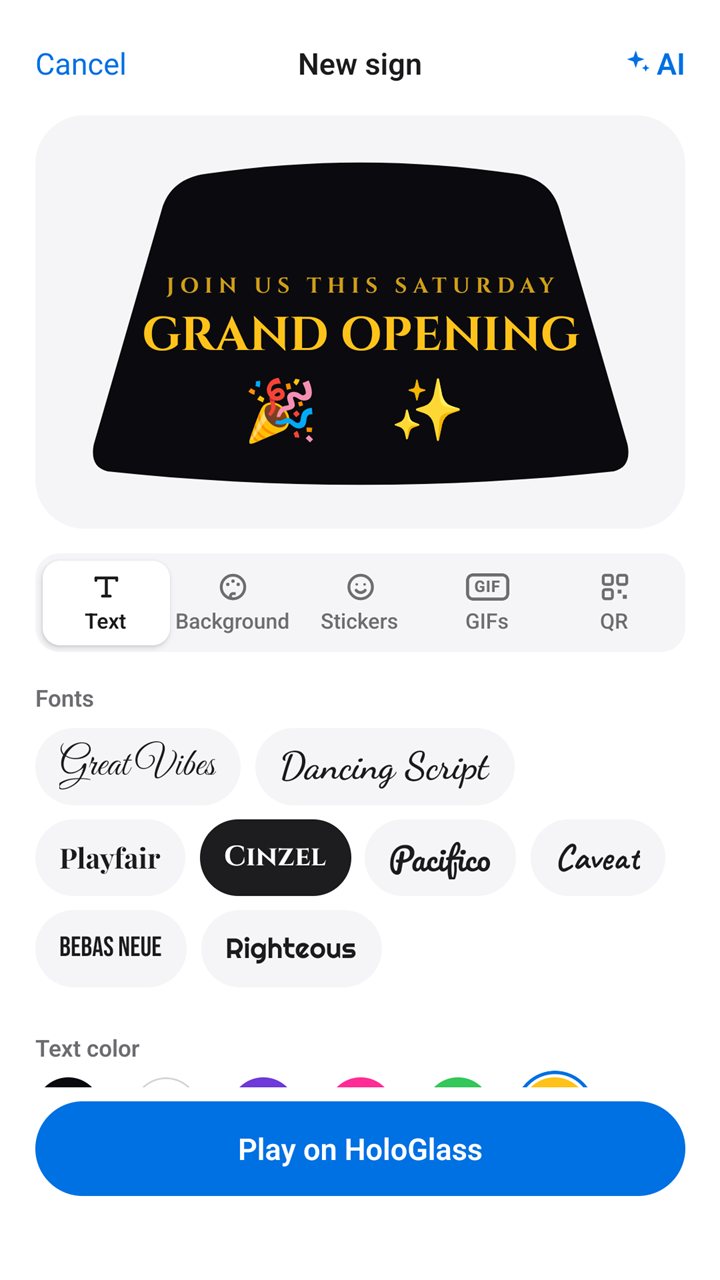
In the sign maker, tap QR. Type any link, or tap Instagram, TikTok, Website or Menu. The code is made on your phone, no internet needed. Drag it anywhere on your sign, and pinch to resize.
The sign maker ›
Say or type what you want. Pranos AI designs the sign and adds your QR code.
Make one sign per listing, event or menu. Each can link anywhere.
Can I see how many people scanned it? Not in the app today. To count visits, point the code to a page that counts them, like your website.
Using it for your business? Check your city’s sign and advertising rules.
My details
Save your links once in My details. When you ask Pranos AI for a QR code, it points to the link you saved.
Pranos AI uses a detail only when you ask for it. No signal? Make the QR code in the sign maker instead.

Setup
Your phone connects straight to your HoloGlass.
It works anywhere. Sending and playing what’s on your phone need no internet.
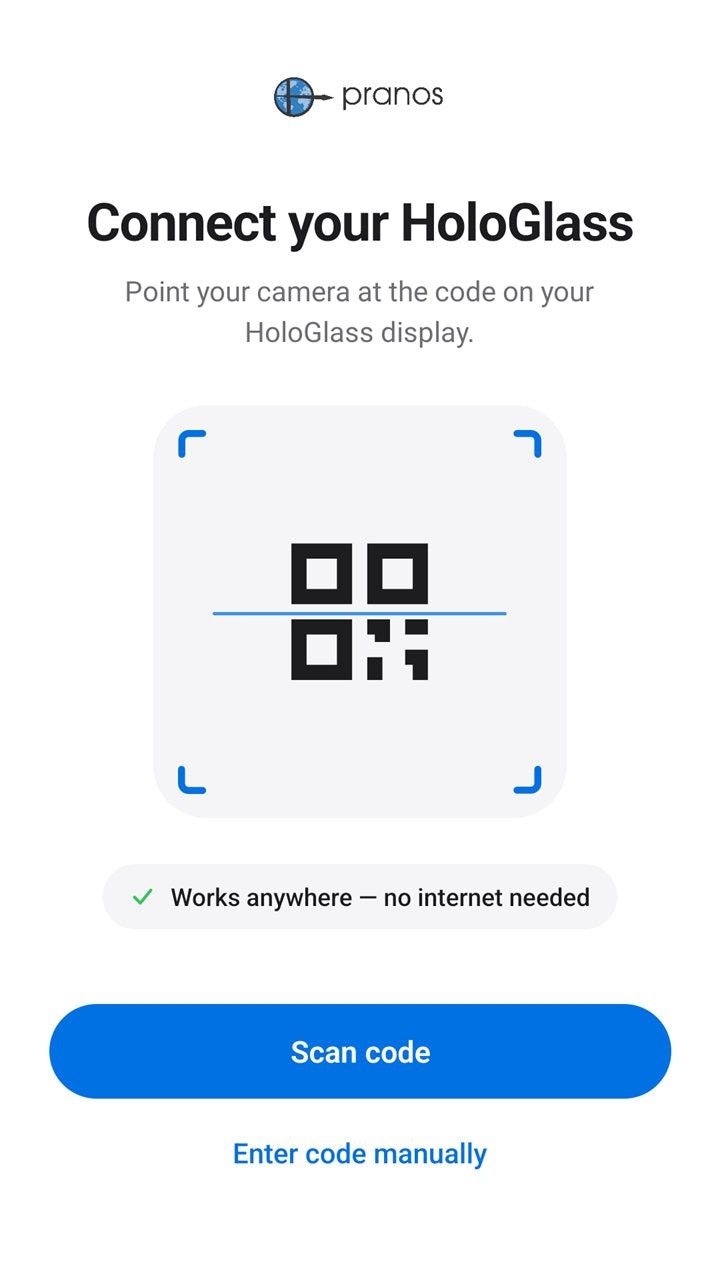
 Before you connect
 Connected
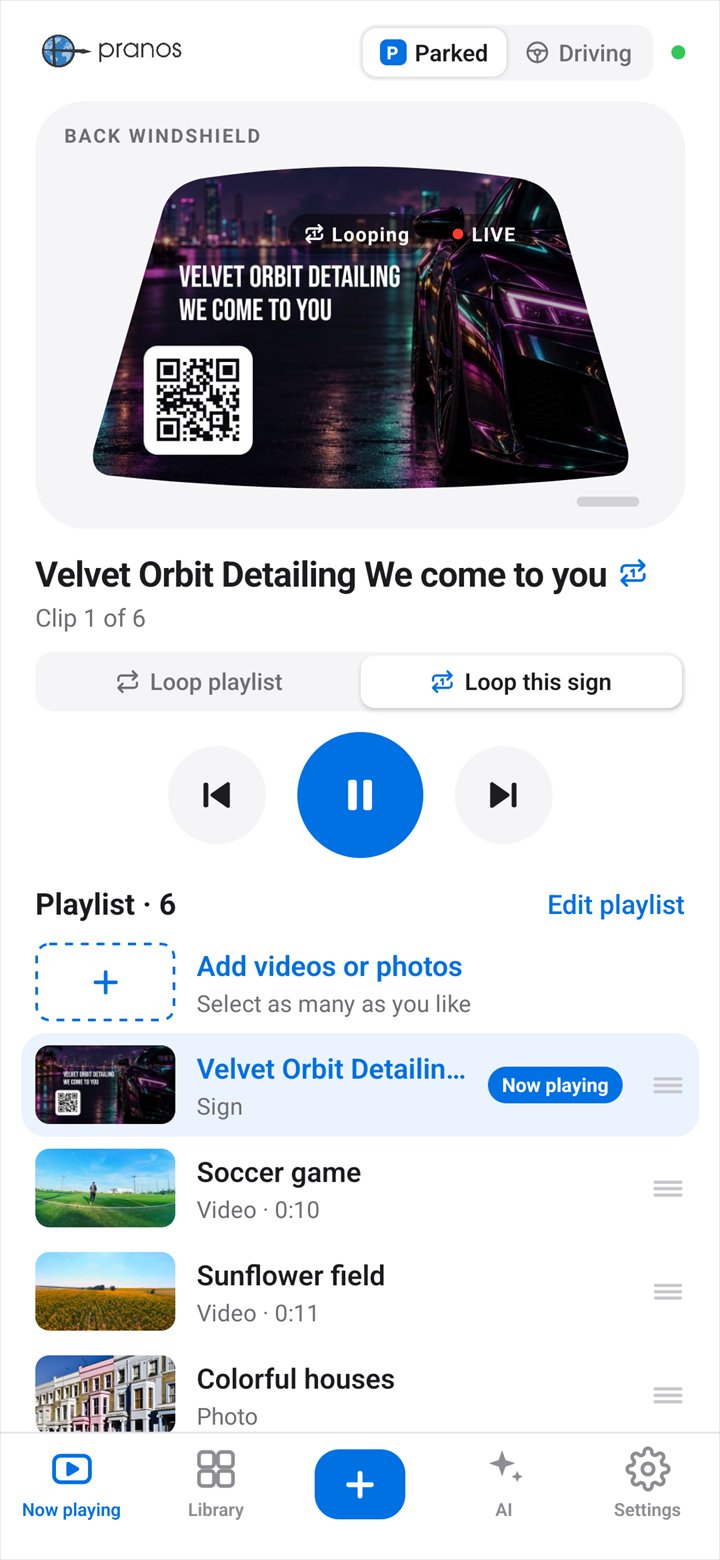
What your HoloGlass shows.
HoloGlass Link
Your phone talks straight to your HoloGlass, like a remote. There’s no account to sign into.

No internet needed to send and play what’s on your phone. Pranos AI needs a connection, and the app uses your phone’s mobile data for it.
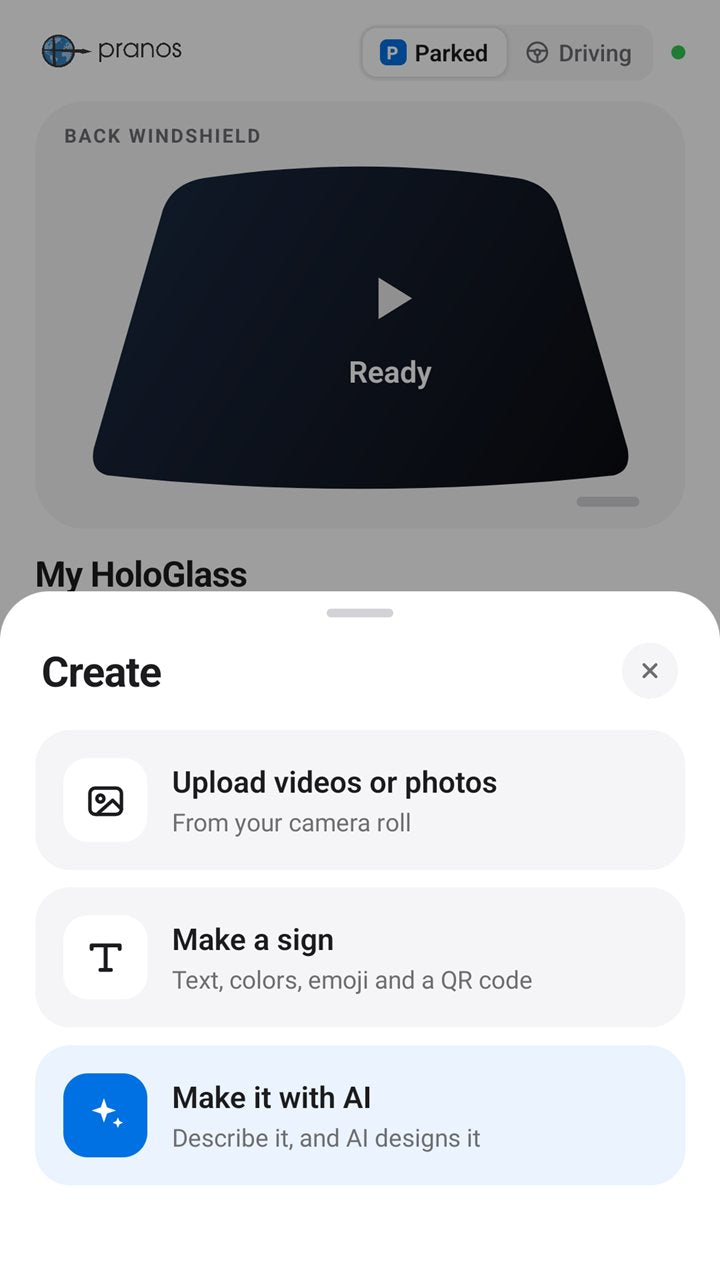
Create
Tap + in the Pranos app to upload your photos and videos, make a sign, or ask Pranos AI. Or mirror your phone with HDMI.
From your camera roll. Send one, or several at once.
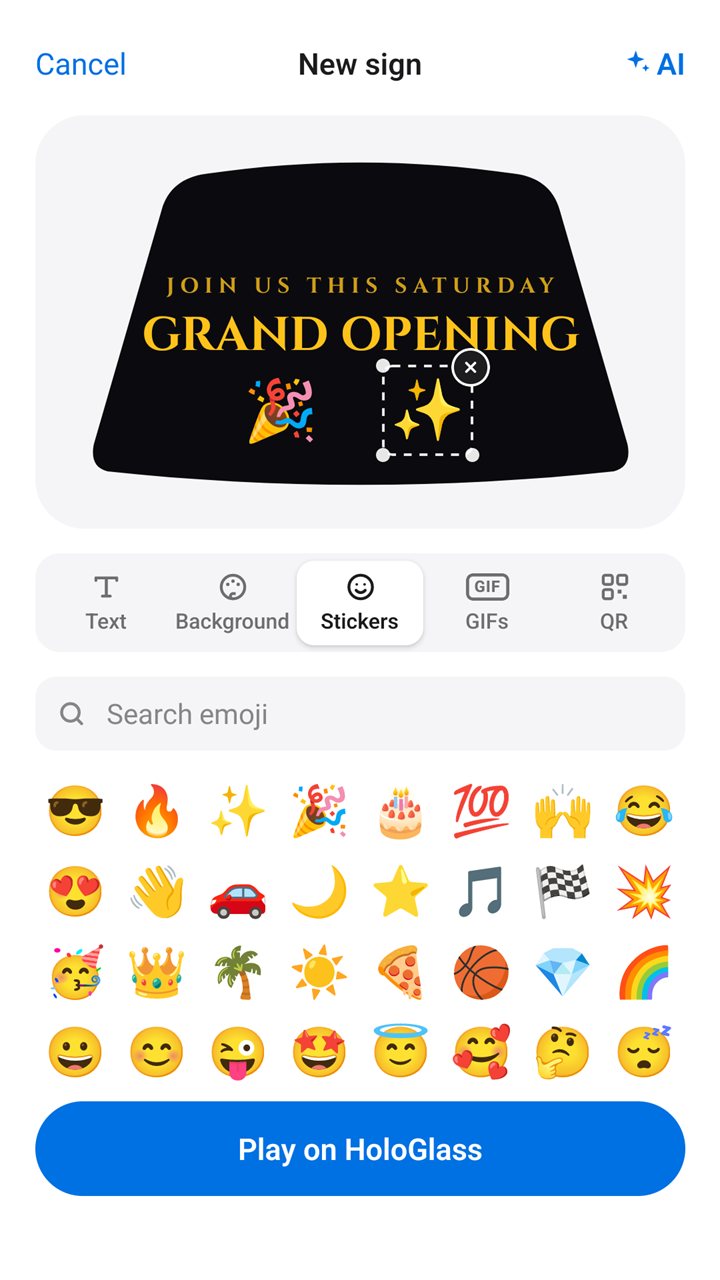
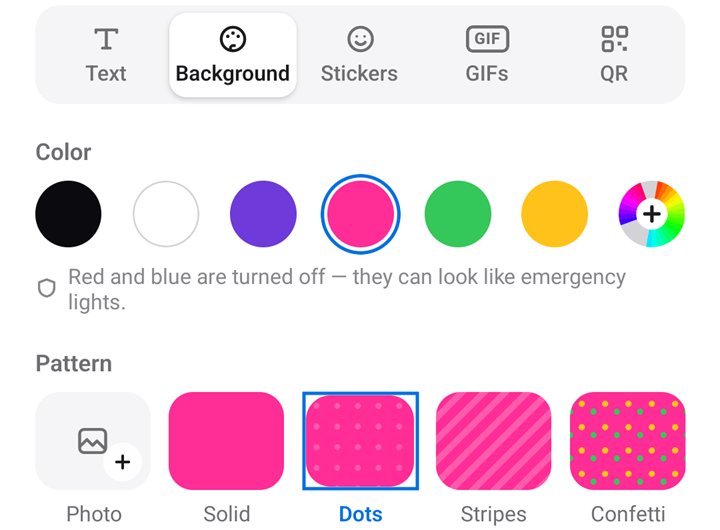
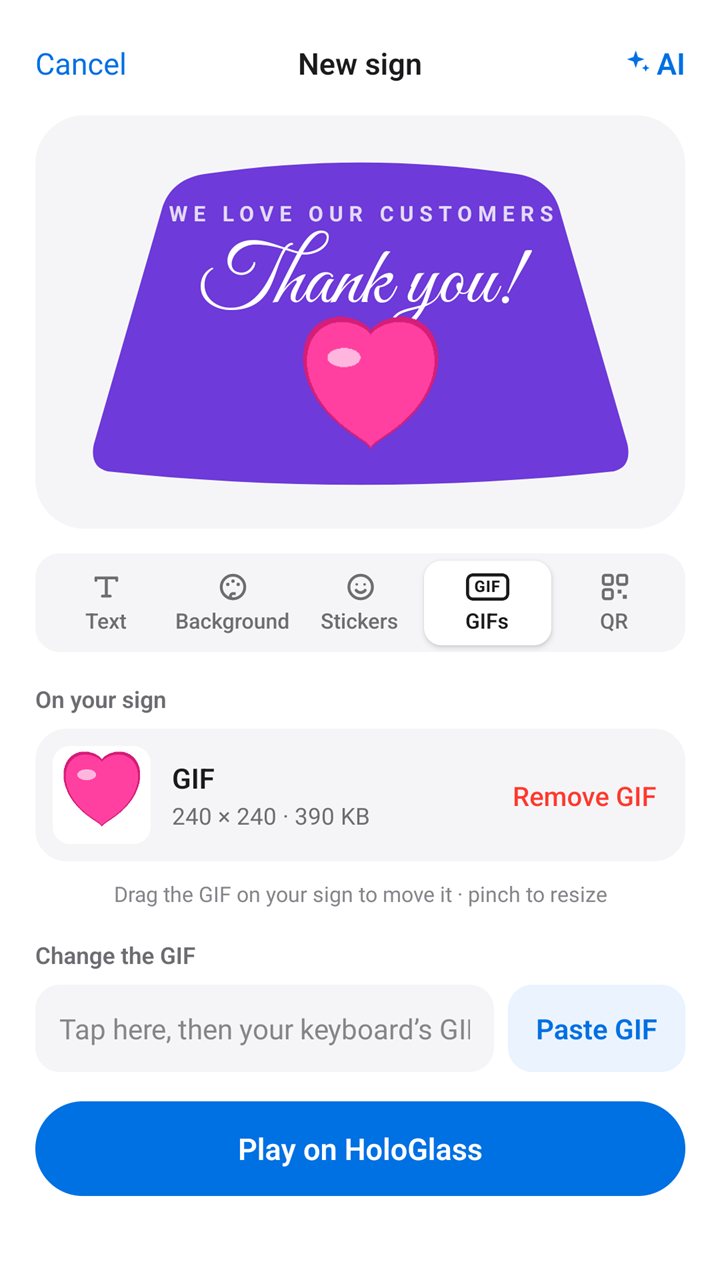
Sending and playlists ›Text, colors, emoji, a GIF and a QR code, in the sign maker. No internet needed.
The sign maker ›Describe it by voice or text, and Pranos AI designs it. Then ask for changes.
Meet Pranos AI ›
Screen mirroring
Every kit includes the HDMI phone adapter and an HDMI cable, so you can skip the app and screen mirror your phone directly. Plug in your phone, choose HDMI with the HoloGlass remote, and your screen shows on your window, livestreams included. It works completely outside the Pranos app.
Needs a phone with USB-C video output.
Sign maker
Make your own sign. Move and size anything with a finger.
Everything is made on your phone, so the sign maker works without internet.
Videos and photos
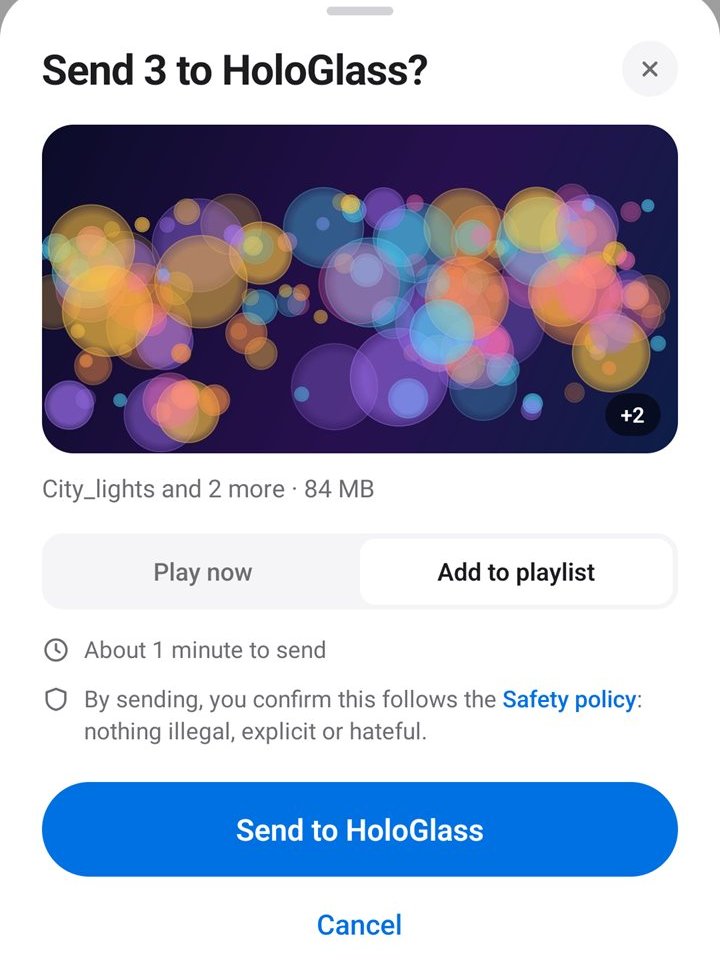
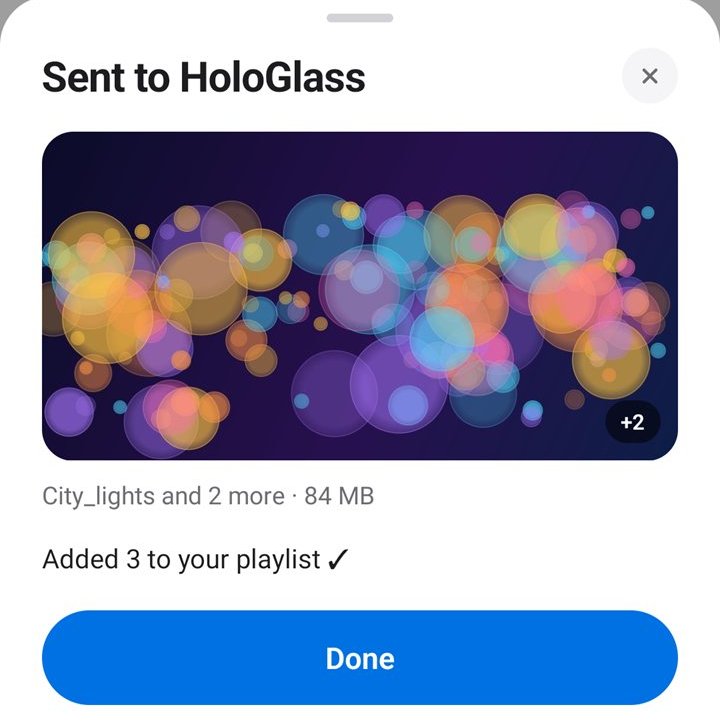
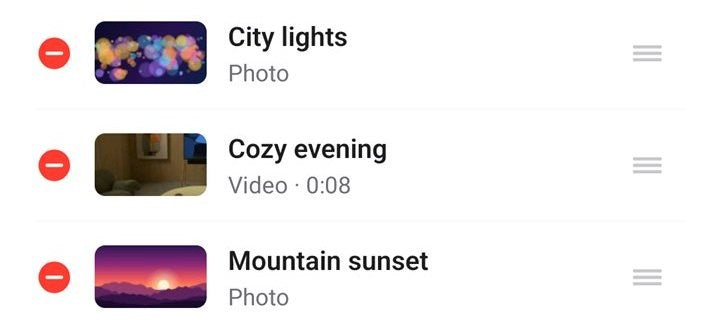
Pick videos and photos from your camera roll, then Play now or Add to playlist. Long videos take longer, and the app shows about how long. Keep the Pranos app open until it’s sent.
In the car
Play video only while parked. Before you drive, switch the Pranos app to Driving.

 Stays put
Parked: videos, photos, GIFs and signs play. Driving: a playing video pauses on the frame it’s on, and a photo or sign stays up.
Switch the Pranos app to Driving: a playing video pauses on the frame it’s on, and a photo or sign stays up. The app won’t play or upload anything new until you switch back to Parked.
Some places restrict any display while the car moves, even a still image. Check your local rules, and turn HoloGlass off where it isn’t allowed. You’re responsible for what your window shows.
Front Windshield: parked only. Roll the screen up and put it away before you drive.
You set the switch yourself, at the top of Now playing. It never changes on its own, and it doesn’t sense motion. Stopped in traffic isn’t parked.
Switch to Driving while your phone is connected to your HoloGlass, so it can hold what’s showing. The switch is on each phone: if more than one phone uses your HoloGlass, set each one to Driving. Driving covers what the Pranos app plays. It doesn’t control HDMI mirroring or the HoloGlass unit’s other inputs.
“You can’t upload videos or photos while you drive.”
Every GIF is checked on your phone before it can go on a sign. Videos you send aren’t checked, so pick ones that don’t flash.
It’s designed to keep police, emergency and traffic-control wording, like “Police,” “Pull over,” “911” or a “Stop” command, off your sign, and it leaves out emergency emoji.
The sign maker’s colors leave them out, and Pranos AI doesn’t use them for a sign’s words or background. They can look like emergency lights. Your own photos, videos, GIFs and stickers aren’t changed, so choose them with care.
Good to know
BEFORE YOU DOWNLOAD
No add-on and no monthly fee. Pranos AI includes a free monthly allowance. The HDMI phone adapter and an HDMI cable come in every kit too, so you can screen mirror your phone directly.
GOOD TO KNOW
Yes. Every kit includes the HDMI phone adapter and an HDMI cable, so you can screen mirror your phone directly or stream live. It needs a phone with USB-C video output. Use the Pranos app for signs, playlists and Pranos AI.
Not to send or play what’s on your phone. Photos and videos kept only in iCloud need internet to download first. Designing with Pranos AI needs a connection, and the app uses your phone’s mobile data when it needs it. No signal? Use the sign maker.
Get it only from the official Apple App Store or Google Play.
HOLOGLASS
Free on the App Store and Google Play.

